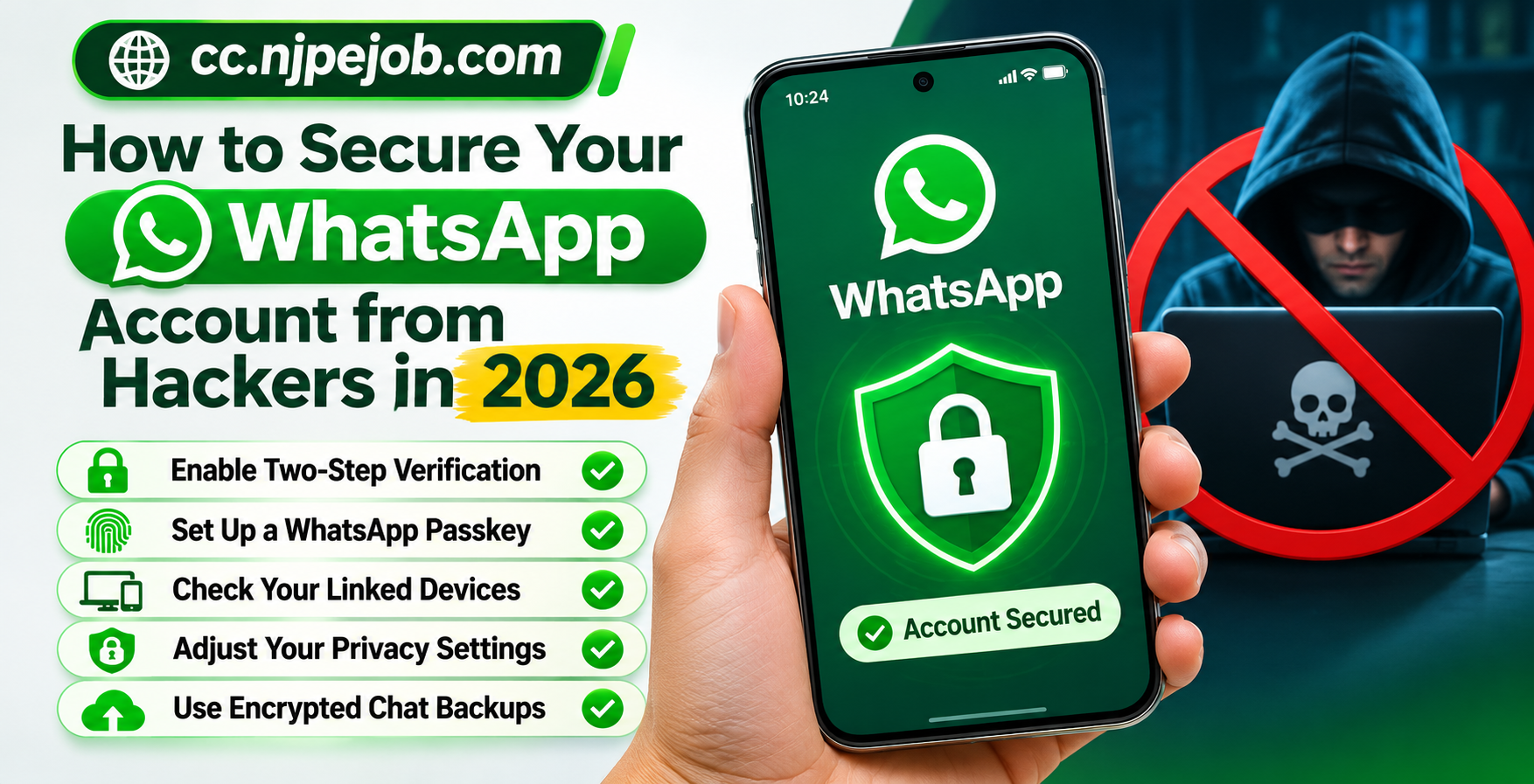
How to Secure Your WhatsApp Account from Hackers in 2026
WhatsApp has become an essential communication tool for millions of people who use it to stay connected with family, friends, coworkers, and businesses. From personal conversations to important documents and financial discussions, people share a significant amount of information through the messaging platform.
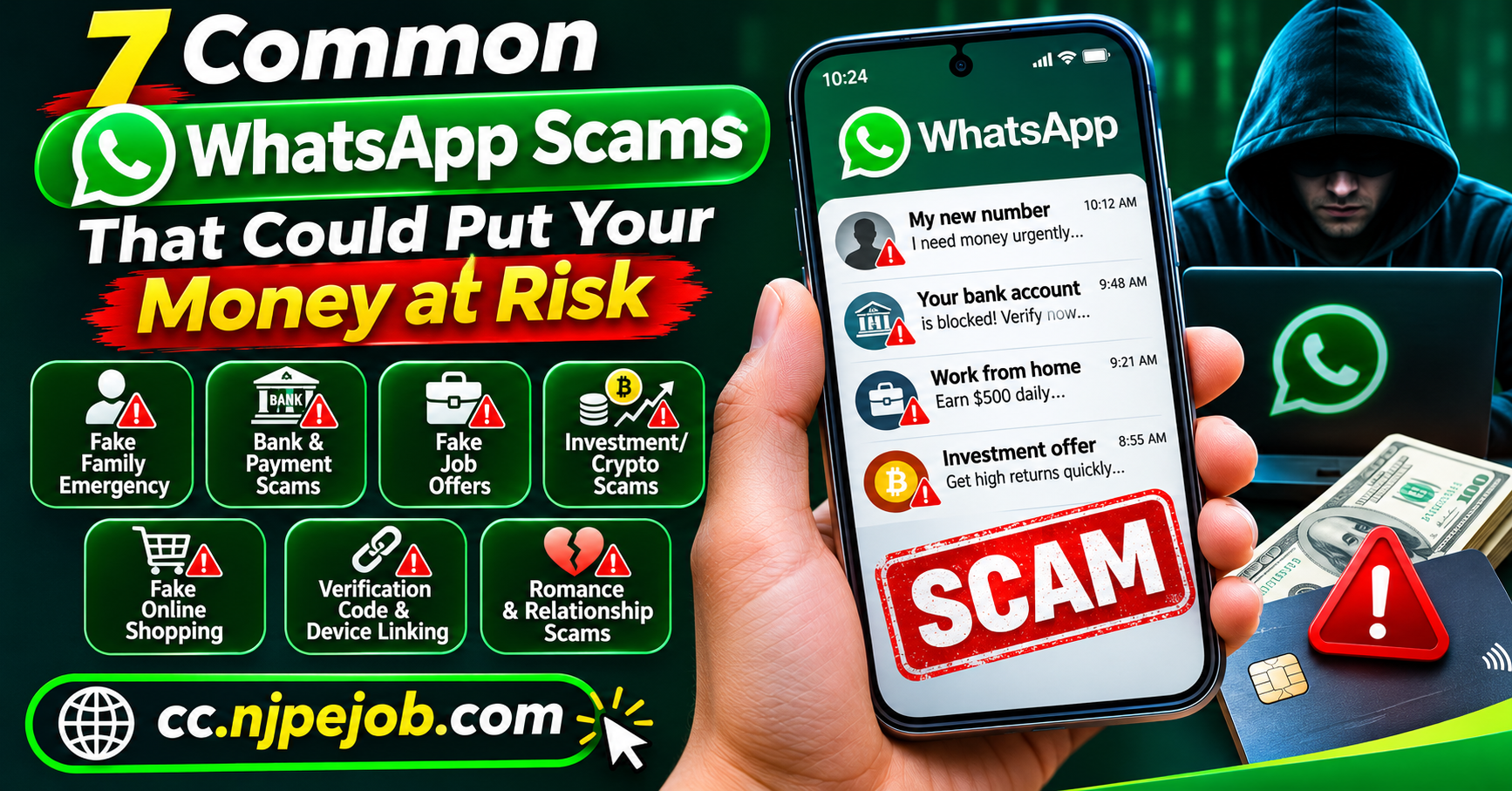
Although WhatsApp uses end-to-end encryption to protect personal messages and calls, that does not mean every account is completely protected against security threats. Cybercriminals frequently use phishing messages, fraudulent verification requests, malicious applications, and social engineering techniques to gain unauthorized access to accounts.
In 2026, WhatsApp offers several security features designed to help users prevent account takeovers and protect sensitive conversations. However, these protections work best when users understand how to configure them correctly.
This guide explains how to secure your WhatsApp account, recognize potential hacking attempts, and respond quickly if someone gains access to your account.
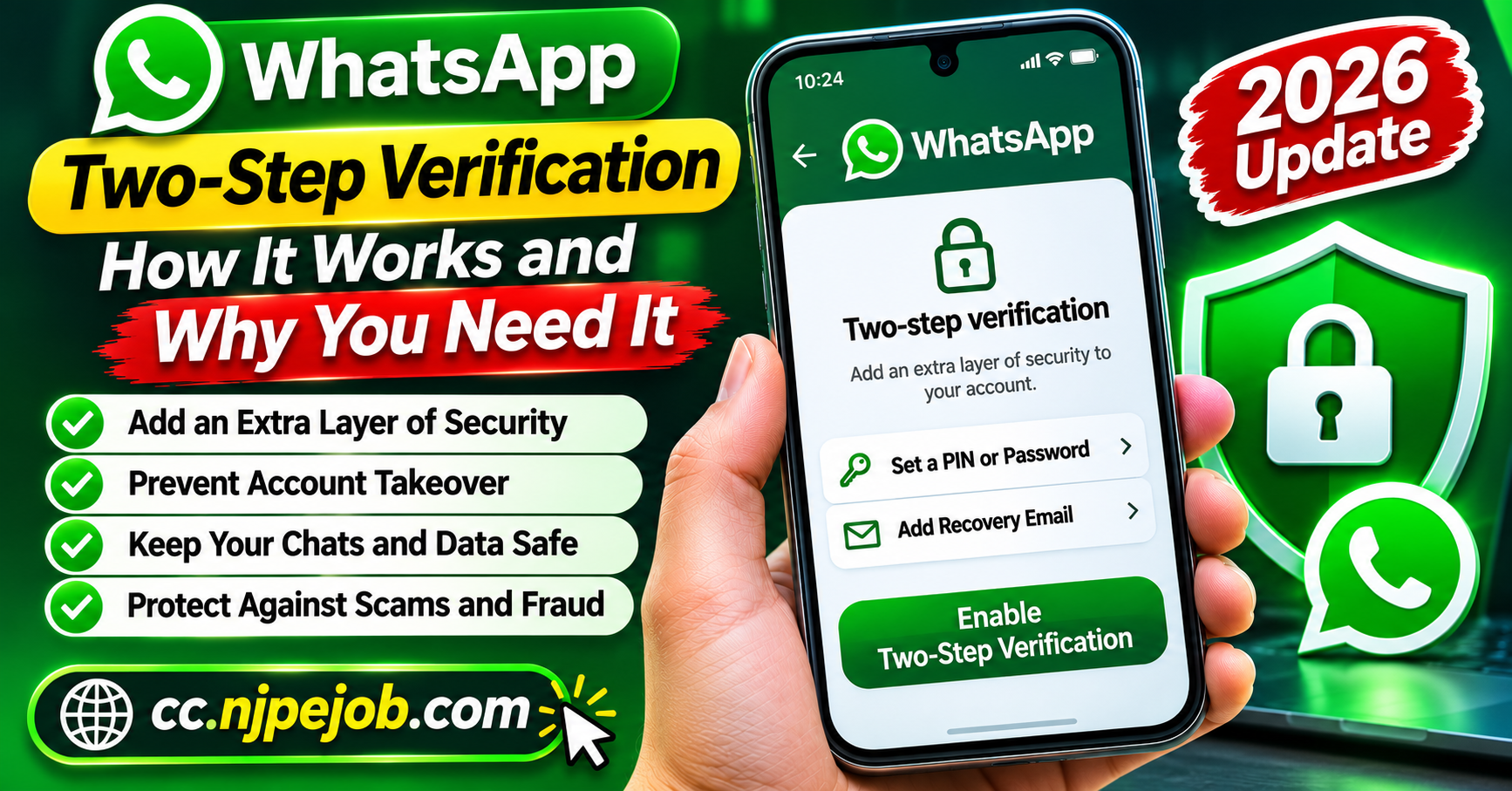
1. Enable Two-Step Verification for Additional Security
Two-step verification is one of the most important security features available on WhatsApp.
It adds another layer of authentication, making it more difficult for someone to register your WhatsApp account on another device, even if they obtain a registration code.
How to enable two-step verification:
Open WhatsApp on your smartphone.
Navigate to Settings.
Select Account.
Tap Two-step verification.
Follow the instructions to configure the available authentication options.
Add and verify a recovery email address when offered.
WhatsApp has expanded its two-step verification options in 2026, including stronger password-based protection. Depending on your app version and account configuration, you may encounter a PIN, password, or additional authentication choices.
Avoid using predictable combinations, such as birthdays or repeated numbers. When password protection is available, choose a unique, difficult-to-guess password.
Your recovery email should also have a strong password and multifactor authentication enabled.
2. Never Share Your WhatsApp Verification Code
One of the most common WhatsApp account takeover methods involves tricking people into sharing their verification codes.
When someone attempts to register WhatsApp using your phone number, the service may send a six-digit registration code to verify ownership.
Scammers sometimes impersonate friends, customer support representatives, delivery workers, or business contacts to obtain these codes.
For example, a criminal might send a message saying:
"I accidentally sent a verification code to your number. Please forward it to me."
This seemingly harmless request can be part of an account takeover attempt.
Remember these important rules:
Never disclose registration codes to strangers or acquaintances.
Do not forward security codes received through SMS or other verification channels.
Ignore unexpected requests to verify your WhatsApp identity.
Treat unrequested registration notifications as a reason to review account security.
Receiving a code unexpectedly does not necessarily mean someone has accessed your account. It may indicate that another person entered your number, either accidentally or intentionally.
3. Set Up a WhatsApp Passkey
Passkeys provide an additional way to verify your identity using your device's built-in authentication.
Instead of relying solely on traditional verification methods, a passkey can allow you to authenticate with your fingerprint, facial recognition, or device screen lock.
To check whether passkeys are available:
Open WhatsApp Settings.
Select Account.
Tap Passkeys.
Follow the instructions to create a passkey.
Confirm your identity using your device's security system.
Passkeys can help protect against certain phishing attacks because they use secure authentication tied to your device.
WhatsApp expanded its passkey capabilities in 2026, including support for multiple passkeys across compatible devices.
Keep in mind that passkeys do not replace every other security precaution. Your phone, recovery accounts, and registered phone number must remain protected.
4. Regularly Check Your Linked Devices
WhatsApp allows users to connect their accounts to computers, tablets, and other compatible devices.
This feature is convenient for people who frequently switch between their phones and computers. However, unauthorized linked devices can create a serious privacy concern.
Someone who gains temporary access to your unlocked phone might attempt to link an additional device without your permission.
How to review connected devices:
Open WhatsApp.
Navigate to Linked devices.
Review the list of connected sessions.
Look for unfamiliar computers, browsers, or devices.
Select any suspicious device and tap Log out.
Make checking linked devices a regular security habit, particularly if you have used WhatsApp on shared or public computers.
Logging out of unnecessary sessions reduces the risk of unauthorized access to future conversations.
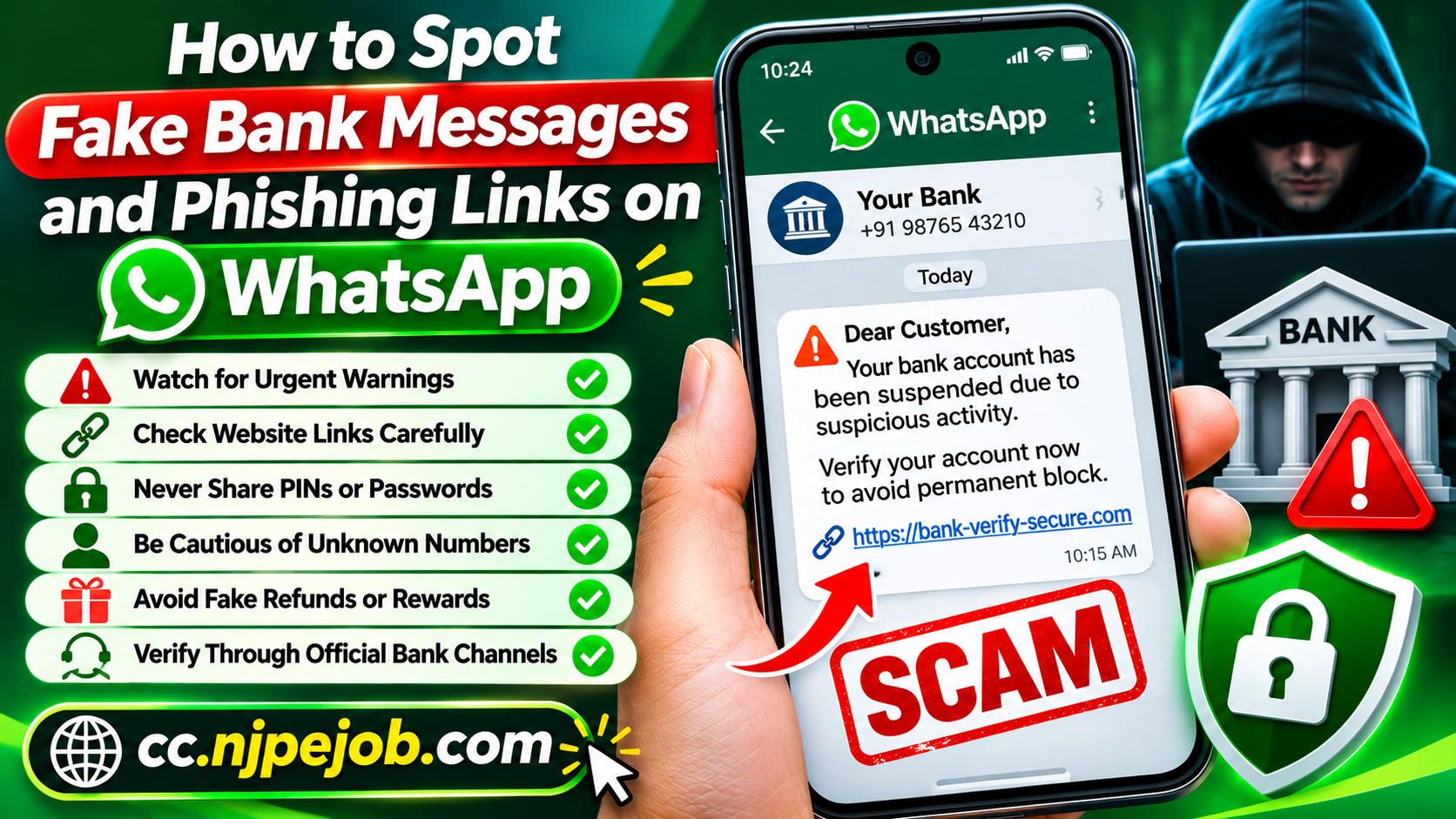
5. Protect Yourself Against Phishing Messages
Phishing is a technique criminals use to persuade people to reveal personal information or visit dangerous websites.
On WhatsApp, phishing messages may pretend to come from banks, delivery companies, online retailers, or technical support departments.
Some messages claim that your WhatsApp account will be suspended unless you immediately complete a verification process.
Others promise free gifts, financial rewards, or exclusive services.
Common warning signs include:
Messages demanding immediate action.
Requests for passwords or verification codes.
Suspicious links with unusual domain names.
Unexpected attachments from unknown contacts.
Offers that appear unrealistic.
Requests to install software outside official app stores.
Before opening a suspicious link, independently verify the sender's identity.
If a message claims to represent a bank or company, contact that organization through its official website or established customer service channel.
Avoid using contact details supplied in the suspicious message itself.
6. Keep WhatsApp and Your Phone Updated
Software updates are not just about introducing new features. They can also fix security vulnerabilities and improve protection against emerging threats.
Outdated applications may contain weaknesses that criminals attempt to exploit.
To reduce this risk, enable automatic updates for WhatsApp through the Google Play Store or Apple App Store.
Your smartphone's operating system should also receive regular security updates.
For additional protection, consider these practices:
Install applications only from trusted sources.
Remove apps you no longer recognize or use.
Avoid modified or unofficial versions of WhatsApp.
Review app permissions periodically.
Replace devices that no longer receive essential security updates when practical.
Unofficial WhatsApp applications may expose personal information and can create account security problems.
Using the official application is the safer option.
7. Adjust Your WhatsApp Privacy Settings
WhatsApp includes privacy controls that help users decide who can view their information and contact them.
Although privacy settings cannot prevent every hacking attempt, they can reduce unwanted exposure and limit opportunities for social engineering.
Open Settings > Privacy to review the available options.
Consider restricting access to your profile photo, last-seen information, online status, and personal details.
You can also control who is permitted to add you to groups.
For example, setting group invitations to trusted contacts can reduce unexpected invitations from strangers.
WhatsApp also offers a Privacy Checkup feature that guides users through several important privacy settings.
Additionally, the Silence Unknown Callers option can help reduce disruptive calls from unfamiliar numbers.
These settings are especially helpful for users whose phone numbers are publicly available.
8. Secure Your WhatsApp Chat Backups
Many people regularly back up their WhatsApp conversations to avoid losing important messages when changing phones.
However, backup protection deserves attention because stored conversations may contain sensitive personal or business information.
WhatsApp provides end-to-end encrypted backup options.
To review backup security:
Open WhatsApp Settings.
Select Chats.
Tap Chat backup.
Choose End-to-end encrypted backup.
Follow the instructions to activate encryption.
Depending on device compatibility, encrypted backups can be protected with a passkey, password, or encryption key.
Store recovery credentials securely. Losing the required credentials could prevent you from restoring an encrypted backup.
Also protect the Google or Apple account associated with your phone using strong authentication.
9. Be Careful With Screen Sharing and Remote Access
Scammers sometimes persuade victims to share their screens or install remote-access applications.
They may claim to be helping with an account problem, processing a payment, or verifying a business transaction.
Once screen sharing begins, sensitive information displayed on your device could become visible to the other person.
Never share your screen with an unknown individual while entering passwords, authentication codes, or financial information.
Similarly, avoid installing remote-control software at the request of an unfamiliar caller.
If someone unexpectedly claims to provide WhatsApp technical support, verify the claim using official support resources rather than following instructions from the caller.
10. Protect Your SIM Card and Mobile Number
Your mobile phone number plays an important role in WhatsApp account registration.
A SIM-swap attack occurs when a criminal fraudulently transfers someone's phone number to another SIM card or mobile service.
This can allow the criminal to receive certain calls or text messages intended for the victim.
To reduce the risk, contact your mobile provider and ask about account protection features, including a carrier account PIN and safeguards against unauthorized number transfers.
Avoid publishing unnecessary personal information that criminals could use to impersonate you.
If your phone suddenly loses cellular service without an obvious explanation, contact your carrier promptly.
An unexpected service interruption is not proof of an attack, but it may require investigation.
11. Consider WhatsApp's Strict Account Settings
In January 2026, WhatsApp announced Strict Account Settings, an advanced protection feature intended especially for people facing elevated cybersecurity risks.
When enabled, this feature applies more restrictive security and privacy controls.
For example, it can block certain attachments and media sent by people who are not saved in your contacts.
Where available, the feature can be found under:
Settings > Privacy > Advanced > Strict Account Settings
Because these protections restrict some normal activities, they may not be necessary for every user.
People who frequently receive suspicious messages or believe they face targeted attacks may find the additional protection valuable.
Feature availability can vary by device and software version.
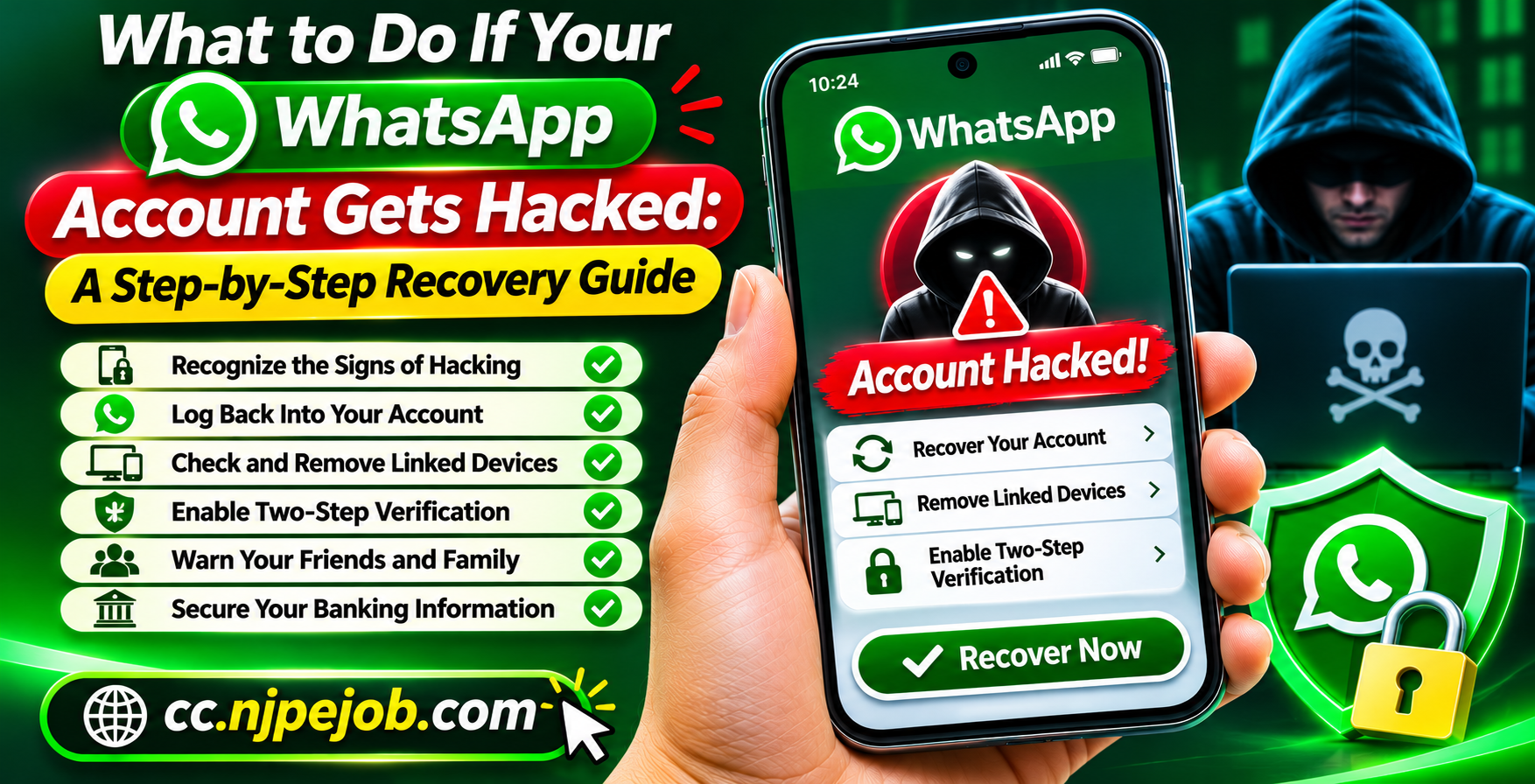
12. What to Do If Your WhatsApp Account Gets Hacked
If you believe someone has taken control of your WhatsApp account, acting quickly can help limit further damage.
First, try to regain access by registering your phone number through the official WhatsApp application.
Enter the legitimate verification code received through the available registration method.
According to WhatsApp's account recovery guidance, successfully re-registering your account with the required code logs out other devices using that account.
If an unfamiliar two-step verification credential prevents immediate access, follow WhatsApp's recovery instructions. Certain cases can require a waiting period.
After recovering access:
Review your linked devices and remove unfamiliar sessions.
Update your account security credentials.
Check your email and mobile account security.
Notify contacts if suspicious messages were sent from your account.
Review financial accounts if sensitive information may have been exposed.
If you suspect malware on your phone, secure the device before continuing to use sensitive accounts.
Avoid paying strangers who claim they can recover your WhatsApp account for a fee.
Frequently Asked Questions
Can someone hack WhatsApp without knowing my password?
Account compromises can occur through stolen verification codes, social engineering, malware, or unauthorized access to an unlocked device. Strong authentication and careful device management significantly reduce these risks.
Does WhatsApp end-to-end encryption prevent hacking?
End-to-end encryption protects message content during communication, but it does not prevent every form of account takeover or device compromise. Users still need to protect their devices, verification credentials, and backups.
How can I tell whether someone is using my WhatsApp?
Check for unfamiliar linked devices, unexpected registration notifications, messages you did not send, and account changes you did not authorize. These signs deserve investigation, although none automatically proves that your account was hacked.
Is WhatsApp safe for sharing financial information?
WhatsApp offers strong message encryption, but sending passwords, one-time banking codes, complete payment card details, or other highly sensitive credentials through chats is not recommended. Use official financial applications and secure verification channels whenever possible.
Final Thoughts
Securing your WhatsApp account in 2026 requires a combination of built-in protection features and responsible online habits.
Two-step verification, passkeys, encrypted backups, privacy controls, and regular linked-device reviews can significantly improve account security.
Equally important is recognizing suspicious messages and refusing to share authentication information with anyone.
No messaging application can eliminate every cybersecurity threat. However, taking these practical precautions can reduce your exposure to common account takeover attempts and help keep your personal conversations more secure.