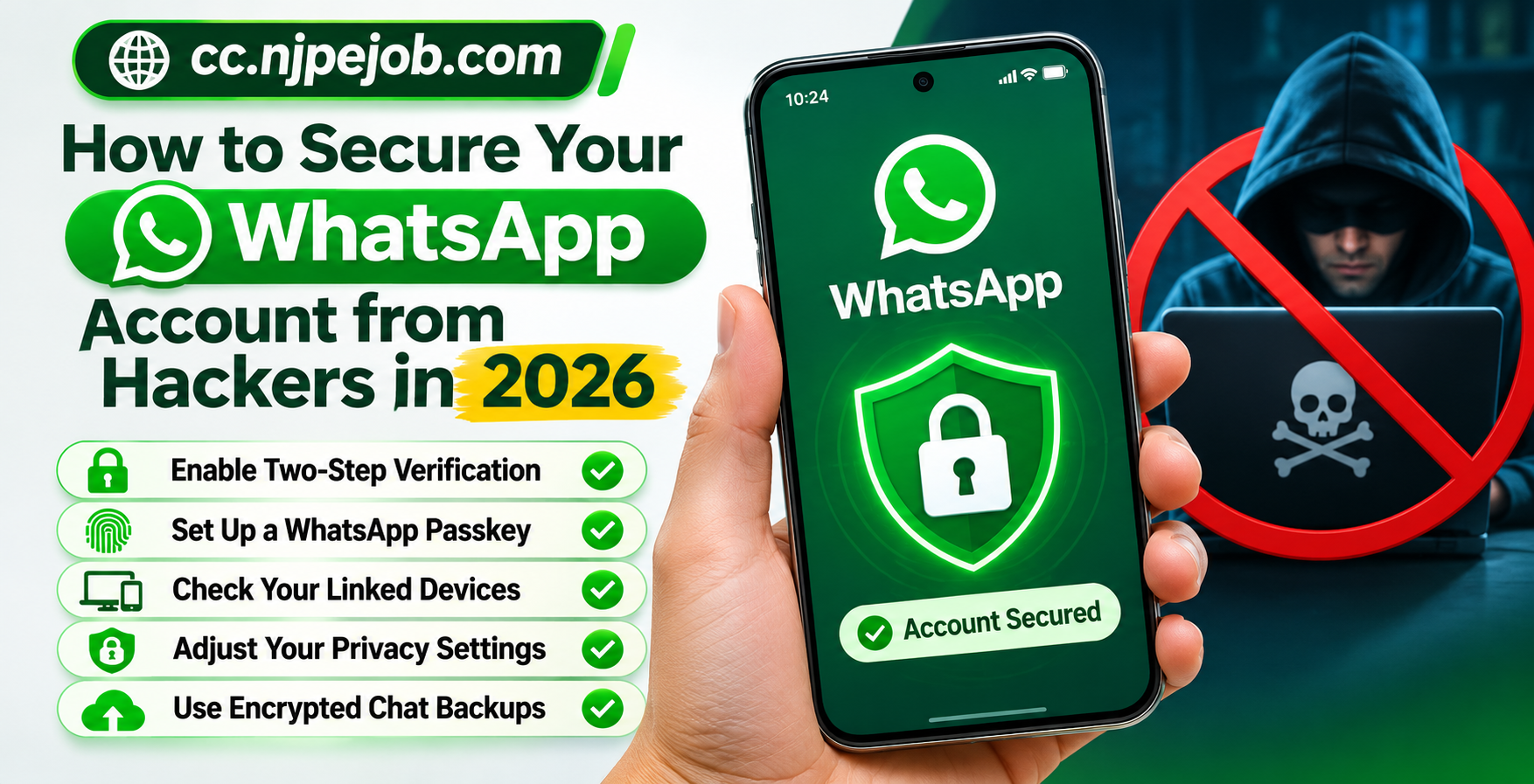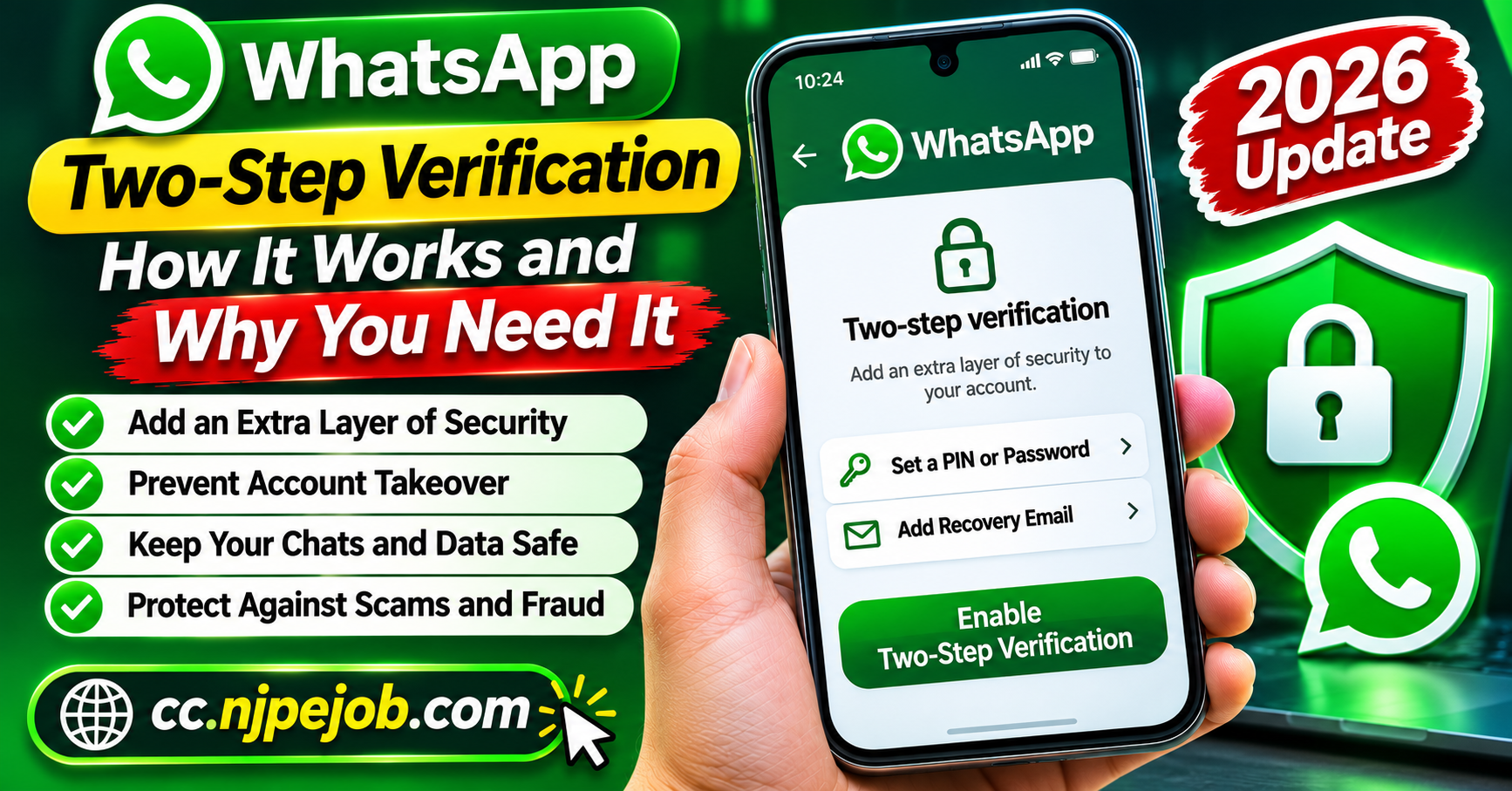
WhatsApp Two-Step Verification: How It Works and Why You Need It
WhatsApp is an essential communication platform for millions of people who use it to stay connected with friends, family members, coworkers, and businesses. From personal conversations to important documents and financial discussions, users often share valuable information through the application.
However, the popularity of WhatsApp also makes it an attractive target for cybercriminals. Account takeover attempts, fraudulent verification requests, and impersonation scams can expose users to privacy violations and potential financial losses.
One of the simplest ways to strengthen your account security is to enable WhatsApp two-step verification.
This feature adds an additional layer of protection that makes unauthorized account registration more difficult, even if someone obtains your one-time verification code.
In 2026, WhatsApp has also introduced stronger authentication options, including password-based two-step verification.
This guide explains how WhatsApp two-step verification works, why it matters, how to enable it, and what to do if you experience account security problems.
What Is WhatsApp Two-Step Verification?
WhatsApp two-step verification is an optional security feature designed to protect your account against unauthorized access.
Normally, when you register WhatsApp on a new phone, the application verifies that you control the associated phone number. This may involve entering a temporary registration code received through an approved verification method.
Two-step verification adds another authentication requirement.
Traditionally, WhatsApp used a six-digit personal identification number, commonly called a PIN.
In August 2026, WhatsApp announced an upgrade that allows stronger passwords containing letters, numbers, and special characters.
This provides additional protection against attempts to guess account security credentials.
Depending on your device and software version, you may still encounter the older PIN system or the updated password-based protection.
The purpose remains the same: to make it harder for another person to register your account without authorization.
How Does WhatsApp Two-Step Verification Work?
To understand the feature, imagine that someone attempts to register your WhatsApp account using your phone number.
Without additional protection, gaining access to the required registration code could allow an attacker to attempt an account takeover.
With two-step verification enabled, the person may also need to provide your separate account security credential.
This creates an additional obstacle.
For example, a scammer might trick someone into sharing a six-digit registration code through a fraudulent message.
However, if the account has two-step verification enabled, the attacker may still be unable to complete registration without the additional password or PIN.
This security mechanism helps reduce the risk of account takeovers caused by stolen verification codes.
It is important to understand that two-step verification does not protect against every possible cyberattack.
Someone with access to your unlocked phone or an already authorized session may create other security risks.
Therefore, two-step verification should be combined with responsible device management and privacy practices.
Why You Should Enable WhatsApp Two-Step Verification
There are several important reasons to activate this security feature.
1. Protection Against Account Takeover Attempts
One of the biggest benefits is stronger protection against unauthorized account registration.
Cybercriminals sometimes attempt to access WhatsApp accounts by obtaining registration codes through phishing or social engineering.
An additional authentication credential makes these attacks more difficult.
2. Better Protection for Personal Conversations
WhatsApp conversations may include private photographs, family discussions, business information, and confidential documents.
An account takeover could allow a criminal to impersonate the account owner and access information available through the compromised account.
Two-step verification adds another barrier against unauthorized registration.
3. Reduced Risk of Financial Impersonation Scams
Scammers sometimes use compromised WhatsApp accounts to request money from victims' contacts.
For example, an attacker may pretend to be a family member experiencing an emergency and ask for an immediate bank transfer.
By improving account security, users can reduce the likelihood of their accounts being taken over through stolen registration codes.
4. Stronger Business Communication Security
Many small businesses use WhatsApp to communicate with customers, discuss orders, and share transaction details.
A compromised business account could damage customer trust and create financial problems.
Two-step verification is a valuable security measure for anyone using WhatsApp for professional communication.
How to Enable Two-Step Verification on WhatsApp
Enabling this feature is generally straightforward.
Step 1: Open WhatsApp Settings
Launch the official WhatsApp application on your Android phone or iPhone.
Navigate to the Settings menu.
Step 2: Select Account
Inside Settings, find the Account section.
This area contains important options related to account security.
Step 3: Open Two-Step Verification
Tap Two-step verification to view the available settings.
Select the option to enable additional authentication.
Step 4: Create Your Security Credential
Follow the instructions displayed by WhatsApp.
If your application uses the traditional system, you may be asked to create a six-digit PIN.
If the updated password feature is available, you can configure a stronger account password.
Choose a credential that is difficult for other people to guess.
Step 5: Configure Recovery Information
If WhatsApp offers the option to add a recovery email address, use an email account that you control.
Make sure the email account itself has strong security.
Step 6: Complete the Setup
Confirm the requested details and finish the activation process.
Your account will now have an additional layer of security.
Menu labels and available authentication options may vary as WhatsApp continues updating its applications.
WhatsApp's Stronger Password Protection in 2026
One important security improvement announced in August 2026 was the upgrade from traditional six-digit PINs to stronger account passwords.
A numerical PIN offers a limited number of possible combinations.
A longer password containing letters, numbers, and special characters provides more possible combinations and is generally harder to guess.
For example, a simple PIN based on a birthday is less secure than a unique password created specifically for the account.
When the updated password option is available, consider using a long, unpredictable password.
Avoid common words, names, birthdays, or passwords already used for other services.
A reputable password manager can help you store a unique credential securely.
Users who still have PIN-based protection should keep it enabled and review their settings for the stronger password option.
Why Adding a Recovery Email Matters
A recovery email can be helpful if you forget your two-step verification credential.
Without appropriate recovery information, regaining account access may become more complicated.
WhatsApp provides recovery procedures for users who lose access to their security credentials, but some situations can involve waiting periods.
Adding a valid email address, where supported, can make certain recovery processes easier.
However, your recovery email must also be protected.
Use a unique email password and enable multifactor authentication through your email provider.
If someone compromises your email account, they may attempt to misuse recovery features associated with other services.
Never share recovery emails or authentication codes with suspicious contacts.
What Happens If You Forget Your WhatsApp Two-Step Verification PIN?
Forgetting a security PIN or password can happen, particularly when it is not entered frequently.
If this occurs, avoid guessing repeatedly.
Instead, use the recovery options provided inside the official WhatsApp application.
If an eligible recovery email is associated with your account, you may be able to reset your credential using the available recovery process.
In some circumstances, WhatsApp requires users to wait before certain account recovery options become available.
For compromised-account cases involving an unknown two-step verification PIN, WhatsApp's recovery guidance describes a possible seven-day waiting period.
The exact steps depend on your account's authentication configuration.
Do not pay third parties who claim they can bypass WhatsApp's security system or guarantee immediate account recovery.
Two-Step Verification vs. WhatsApp Passkeys
WhatsApp offers several security technologies, and users sometimes confuse two-step verification with passkeys.
Although both improve account security, they are not identical.
Two-step verification adds an additional authentication requirement to protect against unauthorized account registration.
Passkeys use supported device authentication methods, such as fingerprint recognition, facial recognition, or a device screen lock.
Passkeys can make account authentication more convenient and reduce dependence on manually entered verification credentials in supported situations.
WhatsApp expanded its passkey capabilities in 2026, including support for multiple passkeys on compatible devices.
You can check for the feature through:
Settings > Account > Passkeys
Using available security features together can improve protection, although none eliminates every possible threat.
Common Mistakes That Weaken WhatsApp Security
Even after enabling two-step verification, certain habits can put an account at risk.
Choosing an Easy PIN or Password
Simple credentials are easier to guess.
Avoid predictable combinations, repeated numbers, and passwords associated with publicly available personal information.
Sharing Verification Codes
Never share WhatsApp registration codes with strangers, friends, or people claiming to be technical support representatives.
A legitimate-looking request can still be fraudulent.
Ignoring Linked Devices
Review WhatsApp's Linked Devices section periodically.
If you notice an unfamiliar computer or device, remove the session.
Two-step verification should not be treated as a substitute for managing active sessions.
Using Unofficial WhatsApp Applications
Modified applications may introduce additional privacy and security risks.
Install WhatsApp through official distribution channels.
Failing to Update the Application
Security updates can address software vulnerabilities and introduce improved authentication features.
Keep WhatsApp and your smartphone operating system updated.
Can Hackers Bypass WhatsApp Two-Step Verification?
No single security feature guarantees complete protection.
Two-step verification is designed to make unauthorized registration more difficult, but attackers may attempt alternative methods.
For example, someone could try to gain access to an unlocked smartphone, compromise a recovery account, or trick a user into linking an unauthorized device.
Malware and fraudulent remote-access applications can also create security risks.
This is why protecting your device and avoiding suspicious requests remain important.
Two-step verification should be considered one component of a broader account security strategy rather than a complete solution.
What to Do If Someone Tries to Access Your WhatsApp Account
If you receive an unexpected WhatsApp registration code, it could mean that someone entered your phone number while attempting to register an account.
Receiving a code does not automatically prove that your account has been compromised.
However, you should review your security settings.
Make sure two-step verification remains enabled and examine your linked devices.
If you discover unfamiliar sessions, log them out.
If you lose access to your account, follow WhatsApp's official recovery instructions.
Re-registering with the required legitimate verification code can remove other logged-in devices from the account.
After recovering access, update your security credentials and notify contacts if fraudulent messages may have been sent.
If you believe your phone number has been transferred without permission, contact your mobile carrier.
Frequently Asked Questions
Is WhatsApp two-step verification free?
Yes. WhatsApp provides two-step verification as a built-in account security feature without a separate subscription fee.
Does two-step verification protect my WhatsApp messages?
It helps prevent certain unauthorized account registration attempts. However, message privacy also depends on device security, encryption, backup protection, and safe account management.
Should I enable two-step verification if I already use a passkey?
Yes, using the available account security protections can provide additional safeguards. Follow WhatsApp's current instructions for the authentication options supported by your account.
Can someone access my WhatsApp if they know my phone number?
Knowing your phone number alone does not normally provide access to your WhatsApp account. An attacker would generally need additional access or authentication information.
Can I change my two-step verification password?
Yes. WhatsApp provides settings for managing two-step verification credentials. The exact options depend on your application version.
Final Thoughts
WhatsApp two-step verification is an important security feature for anyone who values their privacy and wants to reduce the risk of account takeover.
By adding another authentication requirement, it helps protect accounts even when criminals obtain registration codes through fraudulent methods.
The introduction of stronger password protection in 2026 gives users an opportunity to improve security further.
For the best results, enable two-step verification, configure appropriate recovery options, keep your applications updated, and regularly review connected devices.
Most importantly, never share authentication information with someone who contacts you unexpectedly.
Taking a few minutes to review your WhatsApp security settings today can help prevent account problems, impersonation scams, and potential financial risks in the future.