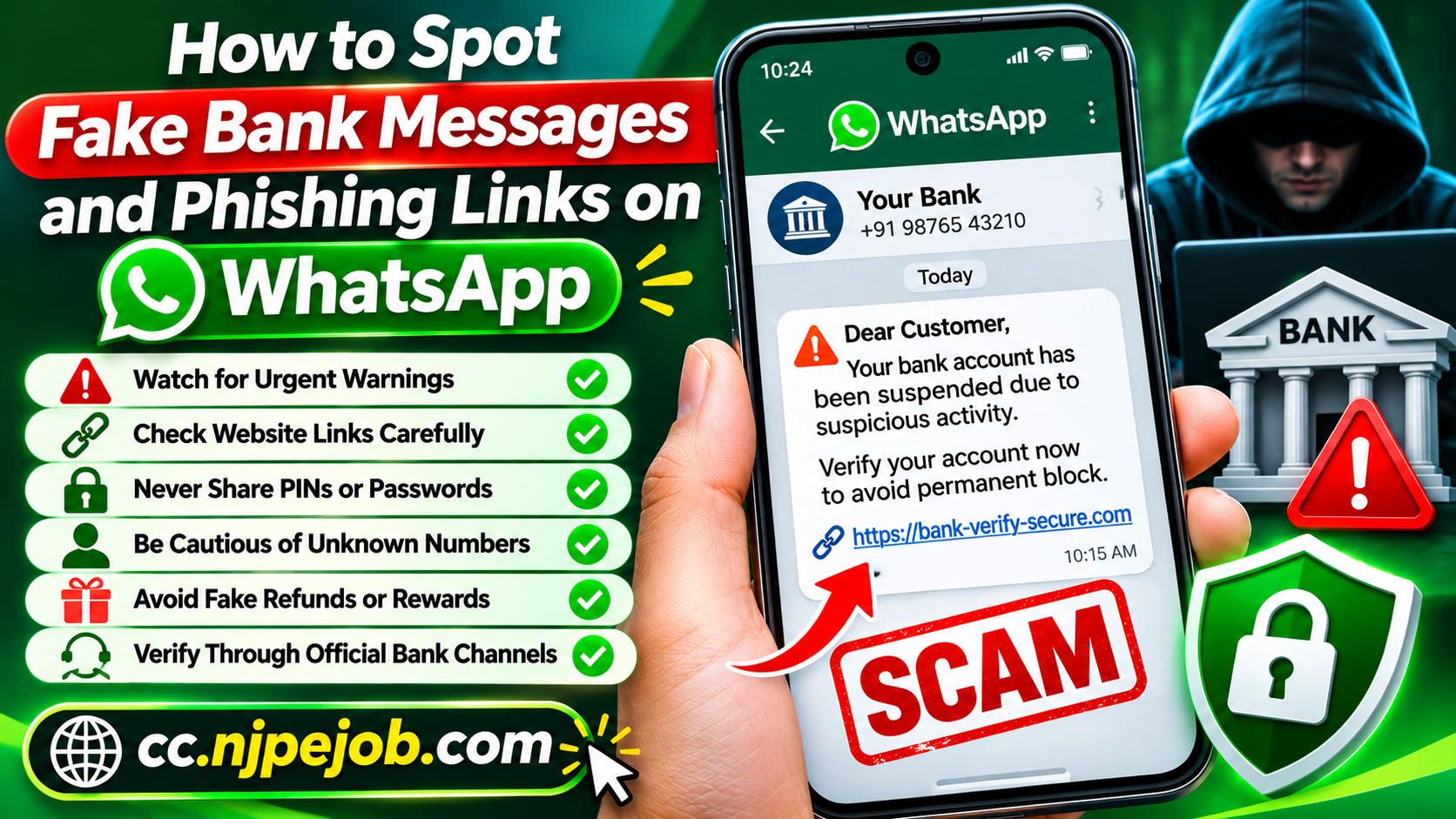
How to Spot Fake Bank Messages and Phishing Links on WhatsApp
WhatsApp has become one of the most popular communication platforms for personal conversations, business discussions, and customer support. Many people also receive updates from financial institutions, payment services, and online businesses through messaging applications.
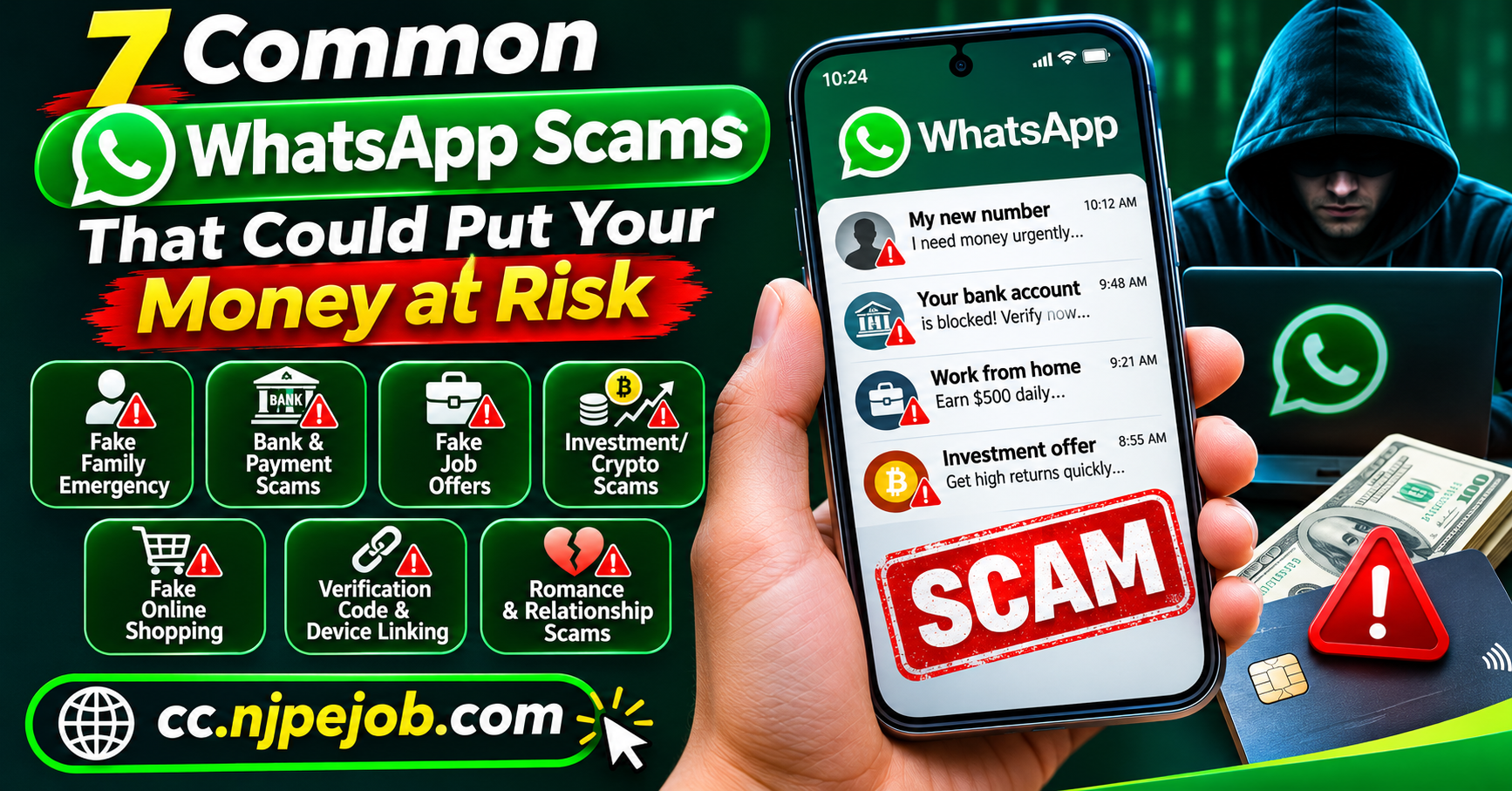
Unfortunately, scammers take advantage of this convenience by sending fake bank messages and phishing links designed to steal money, personal information, and account credentials.
These fraudulent messages often look convincing. They may include familiar bank logos, urgent security warnings, or links to websites that imitate official banking platforms.
In 2026, understanding how to recognize suspicious messages is an important part of protecting your financial information.
This guide explains how fake bank messages work, the warning signs of WhatsApp phishing scams, and the steps you can take to protect yourself.
What Are Fake Bank Messages on WhatsApp?
Fake bank messages are fraudulent communications sent by individuals pretending to represent legitimate financial institutions.
Their purpose is to convince recipients to share confidential information, visit malicious websites, or authorize fraudulent payments.
A scammer may claim that your account has been temporarily suspended, your credit card has been blocked, or an unusual transaction has been detected.
Some messages also state that your identity must be verified immediately to prevent permanent account restrictions.
Although legitimate banks may communicate through messaging services, unexpected requests for sensitive information should always be treated carefully.
What Is a Phishing Link?
A phishing link is a web address created or distributed to trick people into revealing confidential information.
These links frequently lead to websites that imitate legitimate banking portals.
A fraudulent website may display a familiar bank logo, professional design, and a login form that resembles the institution's official website.
However, information entered into the fraudulent form may be captured by criminals.
Phishing websites commonly request banking usernames, passwords, card details, and one-time verification codes.
Some malicious websites may also attempt to persuade visitors to download harmful applications.
1. Watch for Urgent Banking Warnings
One of the most common signs of a banking scam is an unexpected message demanding immediate action.
A fraudulent message might claim:
Your bank account will be permanently suspended.
Your credit card has been blocked.
An unauthorized transaction requires immediate confirmation.
Your identity verification has expired.
Your mobile banking access will be disabled.
These warnings are designed to create anxiety and pressure people into acting without checking the facts.
If you receive such a message, avoid clicking its links.
Instead, open your official banking application or contact the institution using a trusted phone number.
2. Examine Website Addresses Carefully
Scammers frequently create website addresses that closely resemble legitimate banking domains.
A fraudulent address may contain additional words, unusual characters, spelling mistakes, or unexpected domain extensions.
For example, a scammer might create a domain using a recognizable financial brand followed by unrelated terms.
The goal is to make the address appear familiar at first glance.
Important safety tips:
Avoid opening unexpected shortened links.
Check the complete domain name.
Be cautious of websites requesting immediate financial verification.
Do not assume that a website is legitimate simply because it uses HTTPS.
Access banking websites through trusted bookmarks or official applications.
A secure connection alone does not prove that a website belongs to a real bank.
3. Never Share Banking Passwords or Verification Codes
Fraudulent messages often request information that legitimate financial institutions should not ask customers to disclose through WhatsApp conversations.
Sensitive information includes:
Online banking passwords
ATM PINs
Credit card security codes
One-time passwords
Account recovery codes
Authentication credentials
Criminals may claim that sharing this information is necessary to verify your identity or resolve suspicious activity.
However, providing these details can compromise your financial accounts.
Never send confidential authentication information to someone who contacts you unexpectedly.
4. Be Cautious of Unknown Sender Numbers
A WhatsApp profile picture displaying a bank's logo does not guarantee that the account belongs to that institution.
Scammers can create accounts using familiar company names and images.
Some may use international phone numbers while pretending to represent local financial institutions.
Others may impersonate customer support representatives.
When receiving a banking message from an unfamiliar number, verify the sender independently.
Do not rely solely on the displayed profile name, photograph, or business description.
5. Recognize Fake Refund and Reward Messages
Not every phishing attempt uses threatening language.
Some scammers attract victims with promises of refunds, cashback, loyalty rewards, or promotional payments.
A message may claim that you qualify for an unexpected refund and must provide bank details to receive it.
Another may advertise a limited-time credit card reward.
These offers can be particularly convincing when they reference popular financial products.
Before responding, check whether the promotion exists through the institution's official website or application.
Never provide sensitive payment information simply to claim an unexpected reward.
6. Identify Fraudulent Customer Support Conversations
Some scammers pretend to be banking representatives offering technical assistance.
They may initiate a WhatsApp conversation claiming that suspicious activity has been detected on your account.
The fraudster could then request verification codes, screen sharing, or the installation of remote-access software.
These actions can expose financial information and potentially allow unauthorized account activity.
If someone claims to provide banking assistance through an unexpected WhatsApp message, end the conversation and contact your bank directly.
Avoid installing unfamiliar applications at the request of unknown individuals.
7. Be Suspicious of Requests for Immediate Payment
Fake bank messages sometimes demand a payment to reactivate an account, remove restrictions, or process an alleged refund.
The scammer may provide a payment link or request a transfer to an unfamiliar account.
Some fraudsters also use fake transaction receipts to convince victims that money has already been sent.
A legitimate transaction should be verified through your actual financial account rather than screenshots supplied by another person.
Never transfer money without independently confirming the request.
How to Verify a Banking Message Safely
If you receive an unexpected bank-related WhatsApp message, take a moment to verify its authenticity.
Start by opening your official banking application.
Check whether it contains a matching security notification or account alert.
You can also contact the bank using the customer service number listed on your payment card or official website.
Avoid calling phone numbers included in the suspicious message.
If a message claims that your account requires immediate action, ask the bank directly whether the warning is genuine.
Independent verification is one of the most effective ways to prevent financial scams.
How to Protect Yourself from WhatsApp Phishing Attacks
There are several practical measures that can improve your security.
Enable WhatsApp account protection. Use the available two-step verification and passkey features to reduce the risk of unauthorized account access.
Keep your smartphone updated. Install security updates for your operating system and applications.
Use strong banking passwords. Create unique passwords for financial accounts and avoid reusing them across websites.
Avoid unfamiliar downloads. Do not install applications promoted through unexpected WhatsApp messages.
Review account activity. Check your financial transactions regularly and enable official banking alerts when available.
Use trusted communication channels. Contact financial institutions through their official applications, websites, or verified phone numbers.
These habits can significantly reduce exposure to common phishing attempts.
What Should You Do After Clicking a Phishing Link?
Accidentally opening a suspicious link does not automatically mean that your banking information has been stolen.
The level of risk depends on what happened after the link was opened.
If you did not enter sensitive information or download anything, close the website and avoid further interaction.
If you entered login credentials, change the affected password through the official banking service.
If you shared a verification code or payment details, contact your bank immediately.
You should also monitor transactions for suspicious activity.
If an unfamiliar application was installed, remove it and investigate whether your device has been compromised.
Consider seeking professional technical assistance if you suspect malware.
What to Do If You Have Lost Money
Financial fraud requires quick action.
Contact your bank or payment provider as soon as you discover unauthorized transactions.
Explain the situation and ask about available options for disputing, stopping, or reversing payments.
Preserve evidence such as screenshots, payment records, phone numbers, and suspicious website addresses.
Report the fraudulent WhatsApp account through the application's reporting features.
You may also report the incident to the relevant cybercrime or consumer protection authority.
For readers in the United States, the Federal Trade Commission accepts fraud reports through its official reporting service.
Be cautious of recovery scammers who promise to retrieve stolen money in exchange for an advance payment.
Frequently Asked Questions
Can a fake WhatsApp bank message steal my money?
A message alone does not automatically transfer money from your account. However, responding to fraudulent payment requests, sharing credentials, or entering information on phishing websites can lead to financial losses.
How do I know whether a bank message is legitimate?
Verify the message through your bank's official application or customer support channel. Do not rely on the sender's WhatsApp profile or an unfamiliar website link.
Is a website safe if it has HTTPS?
HTTPS encrypts the connection between your device and the website, but criminals can also create websites using HTTPS. Always verify the actual domain and organization.
Should I report suspicious WhatsApp messages?
Yes. Reporting suspicious messages can help WhatsApp investigate potentially abusive accounts. You should also notify the relevant financial institution when its identity is being misused.
Final Thoughts
Fake bank messages and phishing links on WhatsApp can create serious financial risks.
Scammers often use convincing branding, urgent warnings, fraudulent websites, and impersonation tactics to persuade people to reveal confidential information.
The most reliable defense is to verify unexpected financial requests independently.
Never share banking passwords or verification codes through chats, avoid suspicious links, and use official banking channels whenever possible.
By recognizing common warning signs and maintaining responsible security habits, you can better protect your financial accounts and personal information from WhatsApp phishing scams.